What’s next? Follow this guide and we will have you up and running in no time.
Unbox your system
Open the box up! Take care when removing the inner case box as they can be quite heavy. The safest and easiest way to remove the PC from the case box is to open the top of the box, position the open side towards the floor and then pull the box directly up and off. Don’t forget to Remove any any internal packaging inside of the PC itself! Forgetting to remove any internal packaging may cause temperature issues and could damage internal components and void your warranty.
Install the GPU
In some cases we remove the graphics card for shipping due to their weight and increased chance of damage. If this is the case, you will need to install it but don’t worry, we have a handy video guide below to help you out! If your graphics card is already installed you can skip this step and get straight into plugging in all the cables.
Connect up the cables
Hook up all your cables. Remember to plug your display cable into the graphics card if you have one in order to utilise its POWER.
Power Up
Switch the power supply on at the back, hit that power button on the case and you are off! Follow the instructions on screen to set up your Windows and you are good to go!
At the Desktop - Final Steps
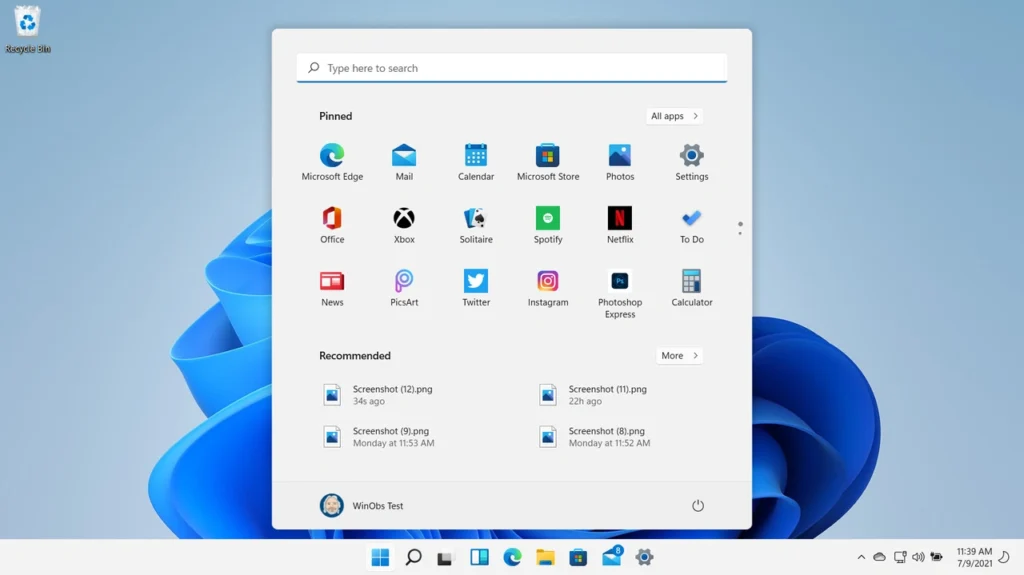
Once you have finished with the Windows Setup, you will find yourself at the Desktop. From here you are free to put your new system to work but, there is just one final step to ensure your system is completely set.
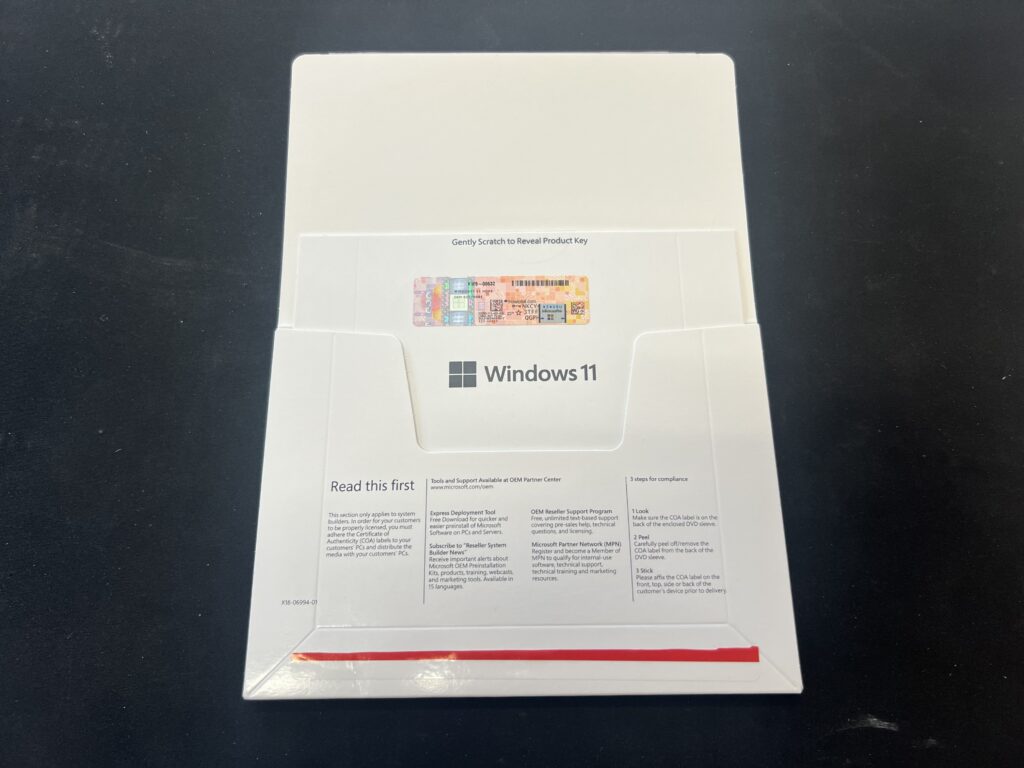
If you have purchased a copy of Windows with your system, then you will have received a Windows Licensing document in your accessories box. Inside this document is your 25 digit code that will fully unlock all of the features that Windows has to offer. You may notice that part of this code is obscured by a small grey box, this is normal and can be rubbed away gently, similarly to a scratch card.
With your code ready, simply head to Settings > System > Activation, where you will then be able to “Change Product Key” and enter your code.
All Set!
You are now ready to go!
Whether you are simply browsing the web or getting into some serious gaming, we’d love to hear all about it. Feel free to leave us a review on our TrustPilot to let us know how you plan on using your new Wired2Fire PC.